Learning videos on working with AI

Short videos from VAI Soft Lab. One idea each, made simple, and built on the newest research and the AI labs' own guides. Every video has a wide and a phone version, and the full text on its page.
  1. The question Why does my coding agent hit its usage limit so fast? in large white words on a dark background, with the small VAI Soft Lab logo.

    · 2 min 55 s video

    Why does my coding agent hit its usage limit so fast?

    A short video. Each step sends the conversation again, so long sessions drain your limit. Use one session per task, short rules, a smaller model.
  2. The question Can I run several AI coding agents at once? in large white words on a dark background, with the small VAI Soft Lab logo.

    · 2 min 39 s video

    Can I run several AI coding agents at once?

    A short video. Yes, start with two: give each coding agent its own copy of the code and its own part of the app, then merge one at a time after tests.
  3. The question Should I train an AI model on my own code? in large white words on a dark background, with the small VAI Soft Lab logo.

    · 2 min 45 s video

    Should I train an AI model on my own code?

    A short video. Usually you do not need to train a model on your code. Let the coding agent read it, add a rules file, and give it today's docs.
  4. The question Which coding agent should I use? in large white words on a dark background, with the small VAI Soft Lab logo.

    · 2 min 43 s video

    Which coding agent should I use?

    A short video. Claude Code, Cursor or Codex: pick by the job, give every agent one rules file and the same tests, then try one real task in two agents.
  5. The question Can someone trick my AI agent? in large white words on a dark background, with the small VAI Soft Lab logo.

    · 2 min 39 s video

    Can someone trick my AI agent?

    A short video. Hidden words in an email or a web page can try to steer your AI agent. Three safety steps: few apps, ask before acting, check its steps.
  6. The question How do I make my coding agent follow my rules? in large white words on a dark background, with the small VAI Soft Lab logo.

    · 2 min 43 s video

    How do I make my coding agent follow my rules?

    A short video. Keep your rules file short, give each rule a reason, and turn the rules that must never break into checks your coding agent cannot skip.

  7. The question What is MCP, the plug that connects AI to your apps? in large white words on a dark background, with the small VAI Soft Lab logo.

    · 2 min 52 s video

    What is MCP, the plug that connects AI to your apps?

    A short video. MCP is one open, standard plug that lets AI apps connect to your other apps, with your OK. How it works and how to use it safely.
  8. The question Can AI do my bookkeeping? in large white words on a dark background, with the small VAI Soft Lab logo.

    · 2 min 54 s video

    Can AI do my bookkeeping?

    A short video. AI can do the first draft of your books in Australia. You check it, and you or a registered agent lodges the BAS.
  9. The question How do I use RAG when I code? in large white words on a dark background, with the small VAI Soft Lab logo.

    · 2 min 41 s video

    How do I use RAG when I code?

    A short video. Your coding agent already looks things up in your code. Give it today’s docs, your rules and your tickets, then check the file it used.
  10. The question What is an AI agent team, and why use more than one agent? in large white words on a dark background, with the small VAI Soft Lab logo.

    · 2 min 52 s video

    What is an AI agent team, and why use more than one agent?

    A short video. An AI agent team is a few agents with one job each and a lead that splits the work. When a team helps, and when one agent is better.
  11. The question Will an AI agent actually save my business time? in large white words on a dark background, with the small VAI Soft Lab logo.

    · 2 min 36 s video

    Will an AI agent actually save my business time?

    A short video. An AI agent often saves time on short, repeated jobs you can check. Time it before and after, and count the checking.
  12. The question How do you check the quality of code that AI wrote? in large white words on a dark background, with the small VAI Soft Lab logo.

    · 2 min 36 s video

    How do you check the quality of code that AI wrote?

    A short video. You do not need to read the code. Ask for proof: tests, no keys in the code, locked data, a second reviewer and a real-user check.
  13. The question Can AI use my computer like a person? in very large white words on a dark background, with the small VAI Soft Lab logo in the corner.

    · 2 min 51 s video

    Can AI use my computer like a person?

    A short video. Some AI agents can see the screen, click and type. It is slower and riskier than a direct connection, so use it when there is no other way.

  14. A man draws three groups of coloured dots on a glass whiteboard while a woman sits on the edge of a desk with a coffee and listens. The caption reads: Vector database: search by meaning.

    · 2 min 55 s video

    What is a vector database and how does it work?

    A short video. A vector database finds text by meaning, not by exact words, so AI apps can give the AI the right few pages from your own files.

  15. A woman holds up a very long paper bill next to a man and two AI machines: a small white floating device and a tall dark android. On the table, both machines have sorted the emails into the same three piles. The caption reads: Same result. Higher cost.

    · 1 min 24 s video

    Which AI model should I use?

    A short video. Small AI models are fast and cheap, fine for simple jobs. Big ones are slower, for hard jobs. Start small; step up only if you need to.
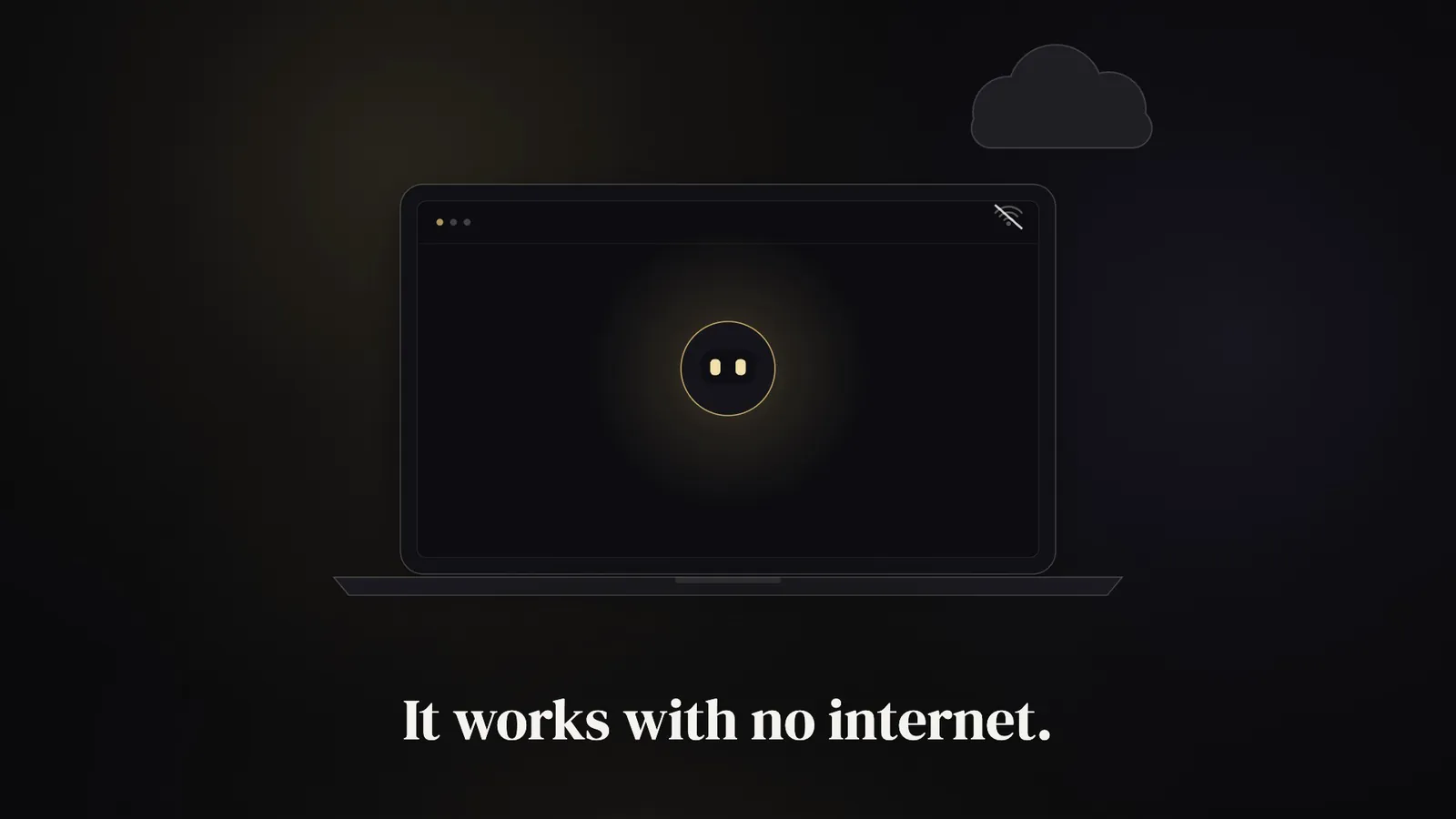
  16. A laptop with a small gold robot face on its screen. The internet icon in its corner is crossed out, and a grey cloud above it has faded. The label reads: It works with no internet.

    · 1 min 7 s video

    Can I run AI on my own computer?

    A short silent video. Yes: a free AI can run on your laptop with no internet, so your files stay with you. It is smaller and slower than online AI.
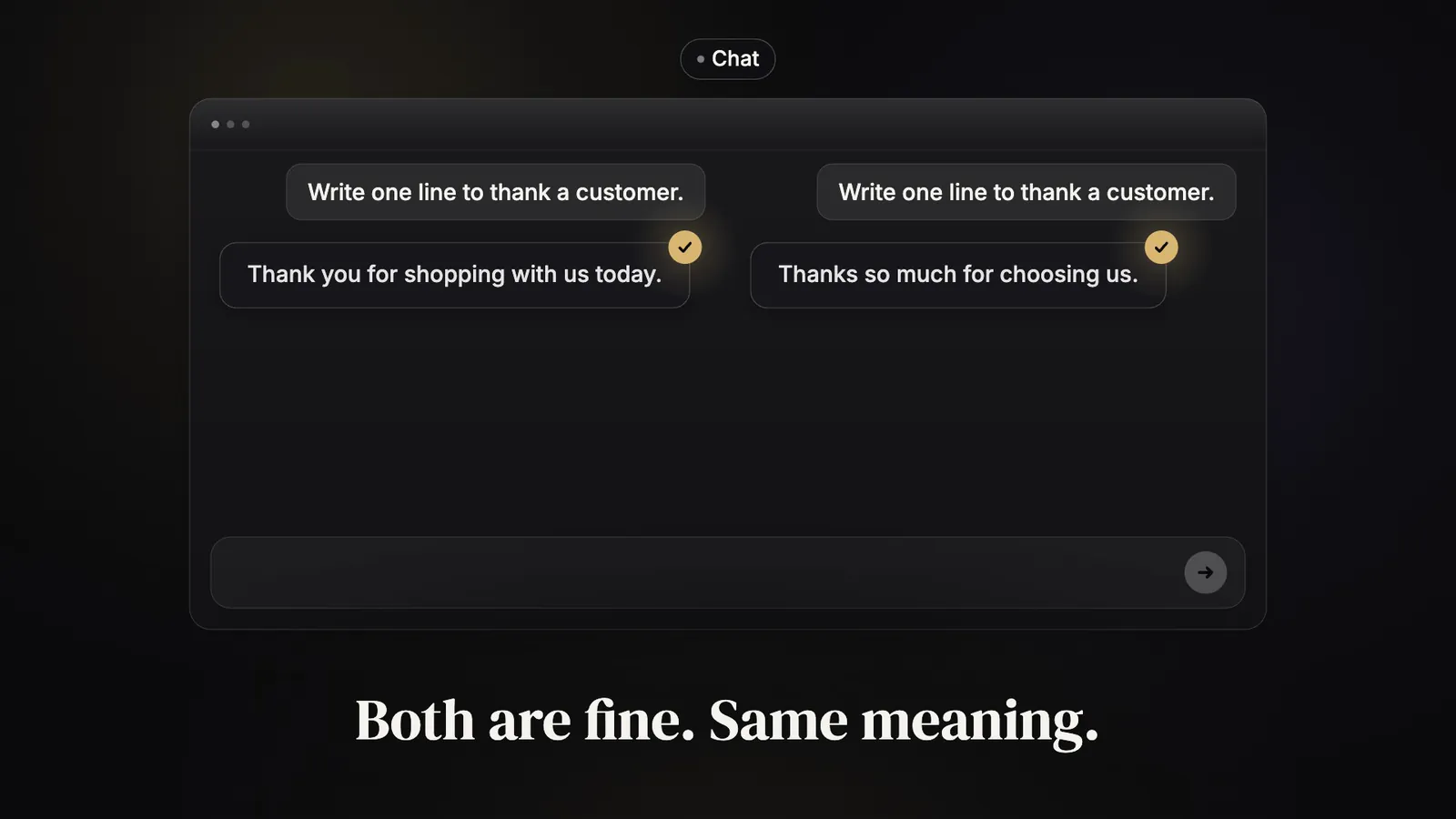
  17. A chat window with the same question asked twice: Write one line to thank a customer. Two different answers sit side by side, Thank you for shopping with us today, and Thanks so much for choosing us, each with a gold tick. The label reads: Both are fine. Same meaning.

    · 1 min 7 s video

    Why does AI give a different answer each time?

    A short silent video. The AI picks each next word with some chance, so the words change each time. When it matters, give it a form and check.
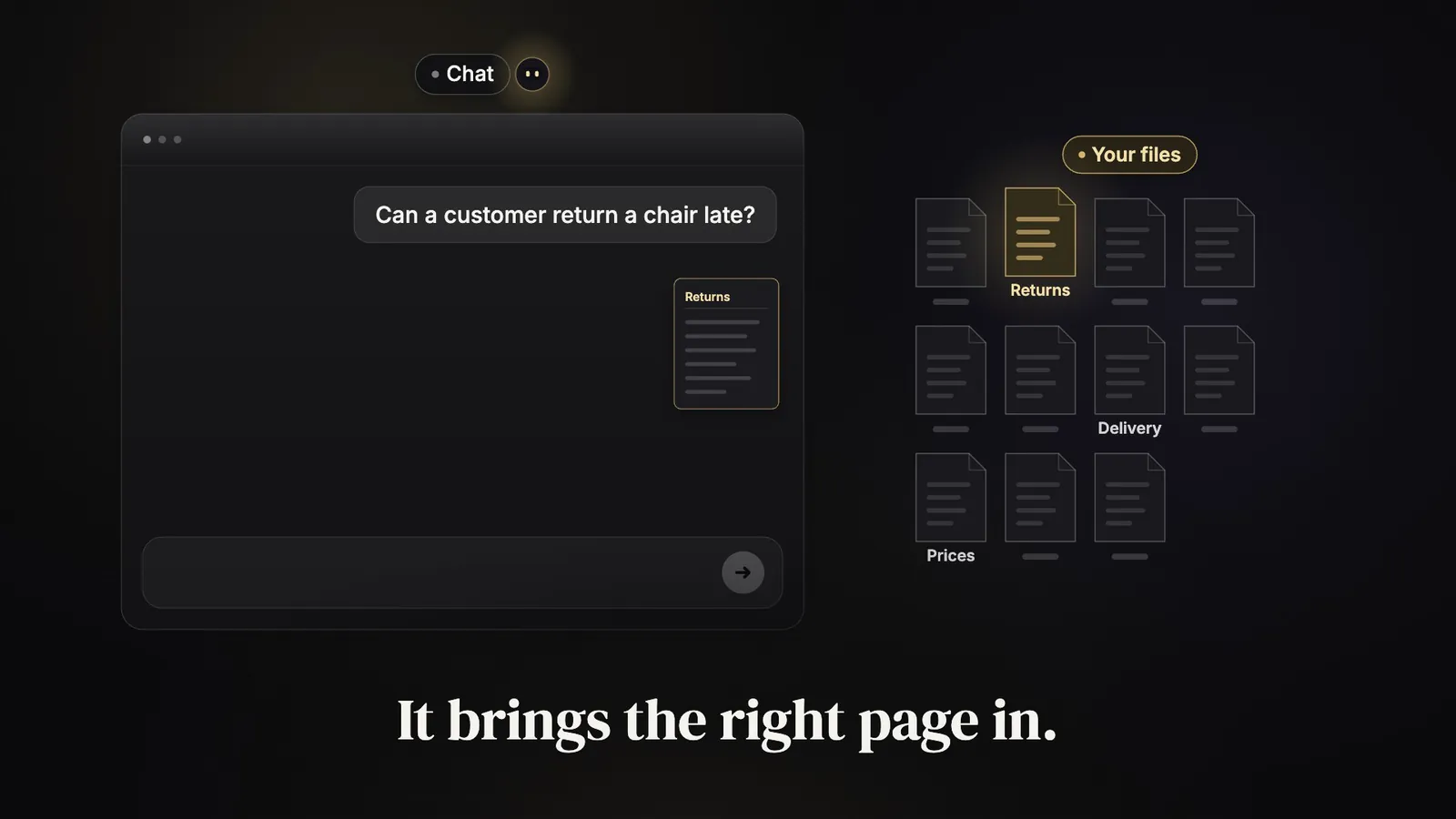
  18. A chat window on the left with a typed question. On the right, a shelf of small grey file icons under a gold tag that reads Your files; one file, Returns, is gold and open. A page slides from the file across the gap into the chat window. The label reads: It brings the right page in.

    · 1 min 7 s video

    What is RAG?

    A short silent video. RAG means the AI looks in your own files first and answers from the page it finds. One example, and what to do.
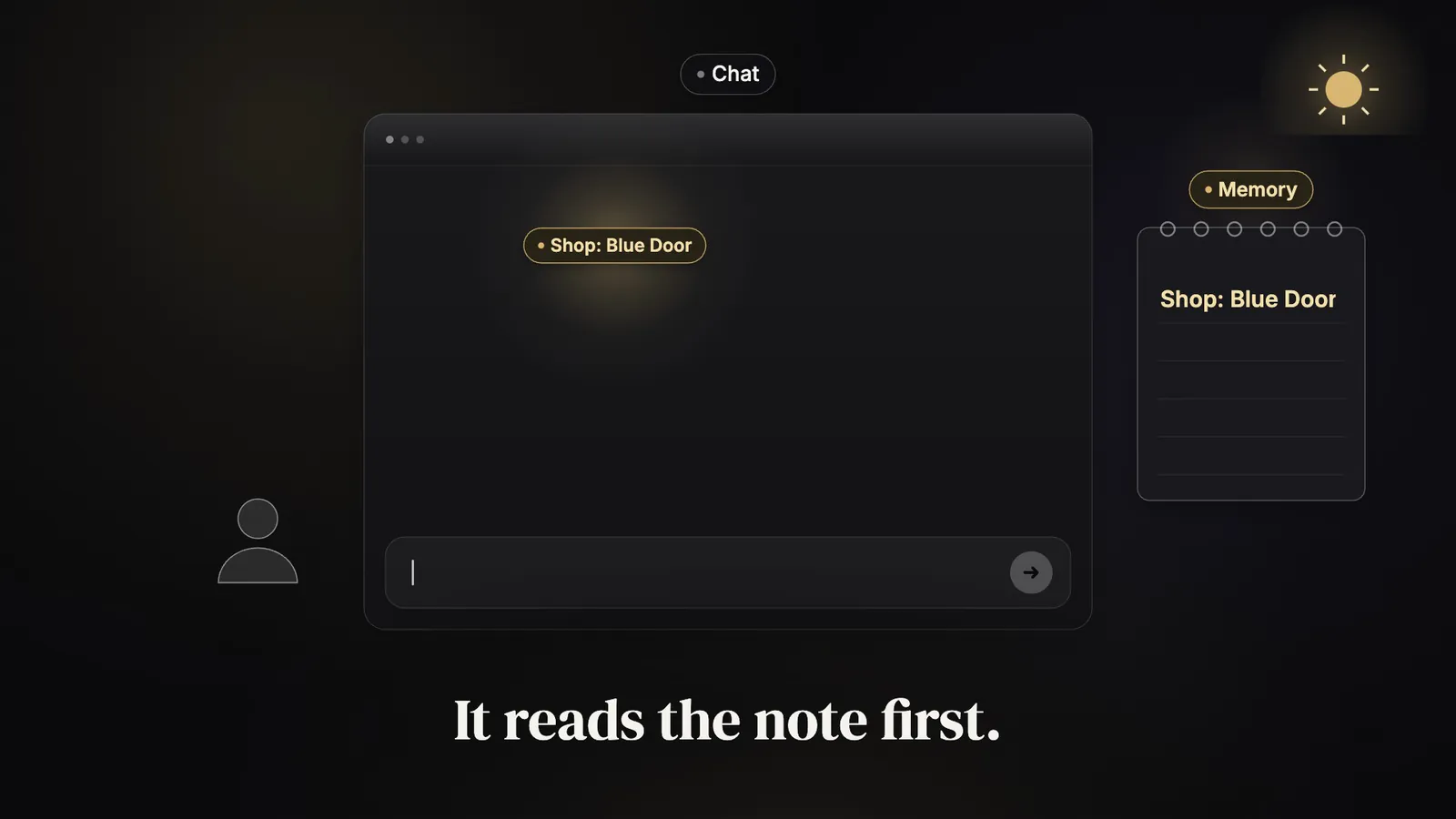
  19. A new, empty chat window at sunrise. Beside it, a small open notebook with a gold tag that reads Memory. One gold line, Shop: Blue Door, has slid from the notebook into the top of the chat window. The label reads: It reads the note first.

    · 1 min 10 s video

    Does the AI remember me tomorrow?

    A short silent video. The AI forgets you when the chat ends. Some apps keep a note and read it back next time. You can read, delete or switch it off.
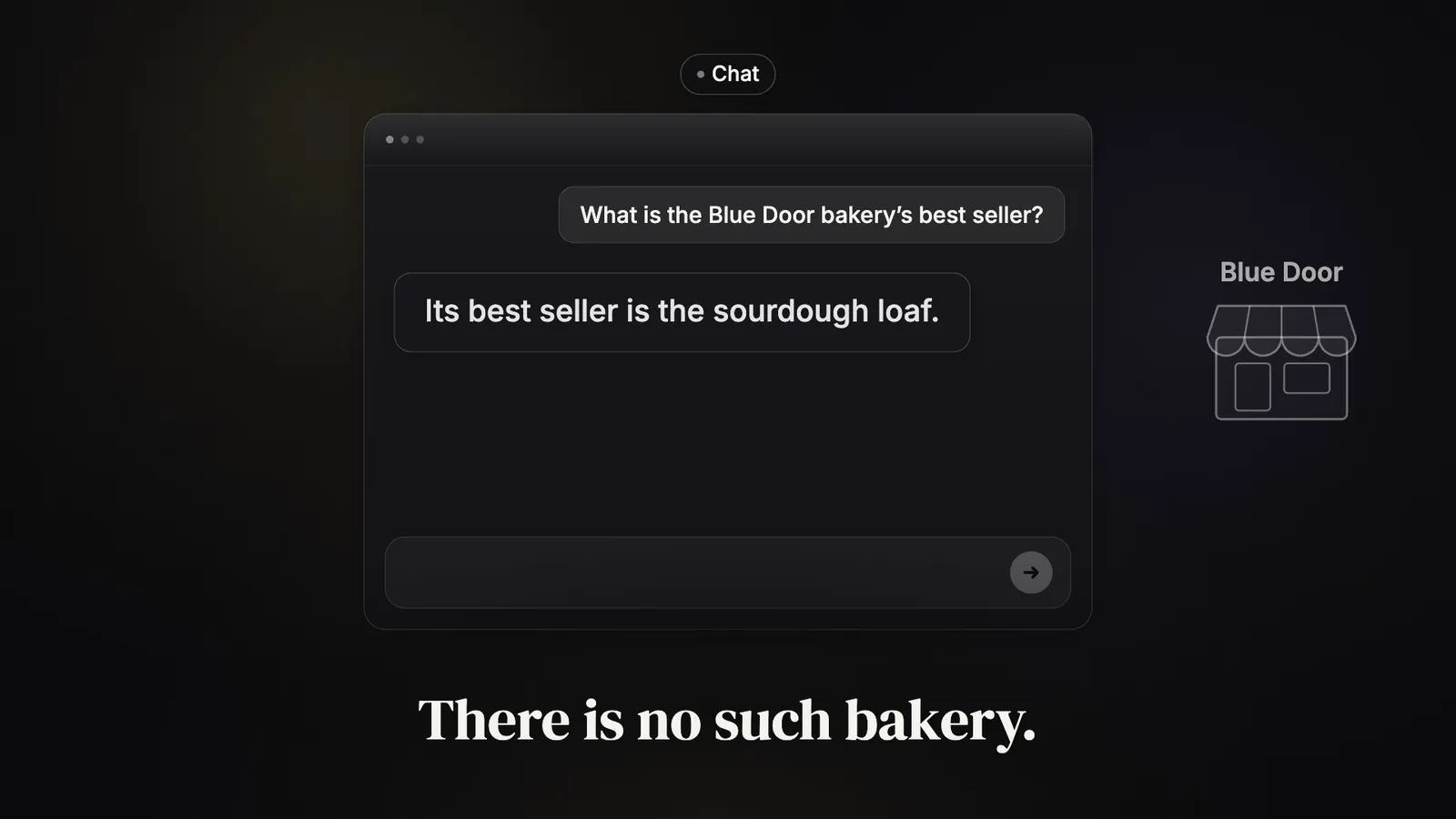
  20. A chat window with the question: What is the Blue Door bakery’s best seller? The answer reads, calmly: Its best seller is the sourdough loaf. Beside it, the outline of a shop called Blue Door fades away to nothing. The label reads: There is no such bakery.

    · 1 min 6 s video

    Why does AI sometimes make things up?

    A short silent video. AI guesses the next word that sounds right and does not check if it is true. One example, and three ways to stop it.
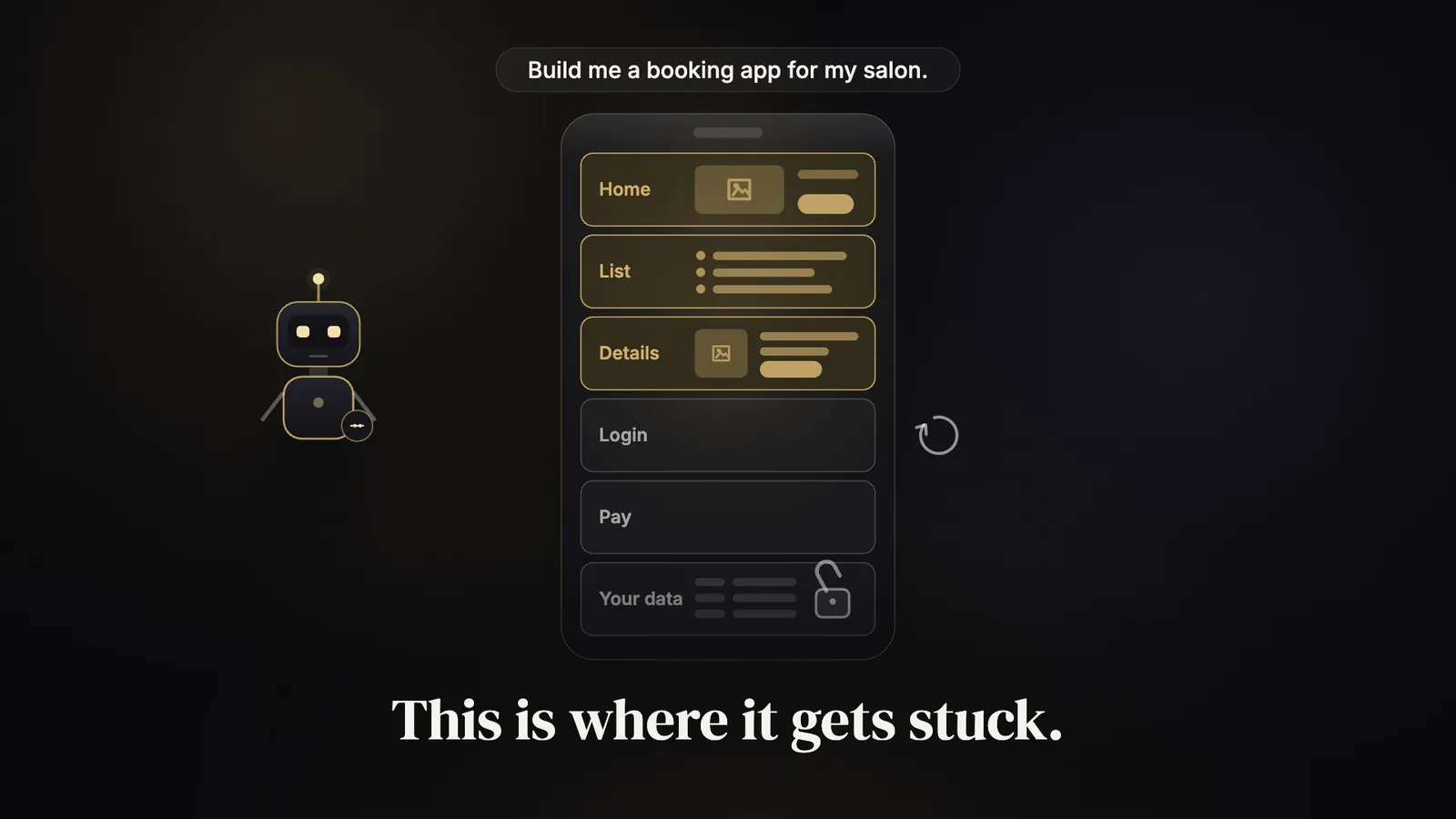
  21. A phone outline being built by an AI. The top three screens, Home, List and Details, are gold and finished. The lower three, Login, Pay and Your data, are grey outlines; a small loop arrow turns beside Login and an open padlock sits on Your data. The label reads: This is where it gets stuck.

    · 1 min 10 s video

    Can AI build a whole app for me?

    A short silent video. An AI builder makes the screens of an app fast. Then login, payments and your data stall. An engineer and the AI finish it.
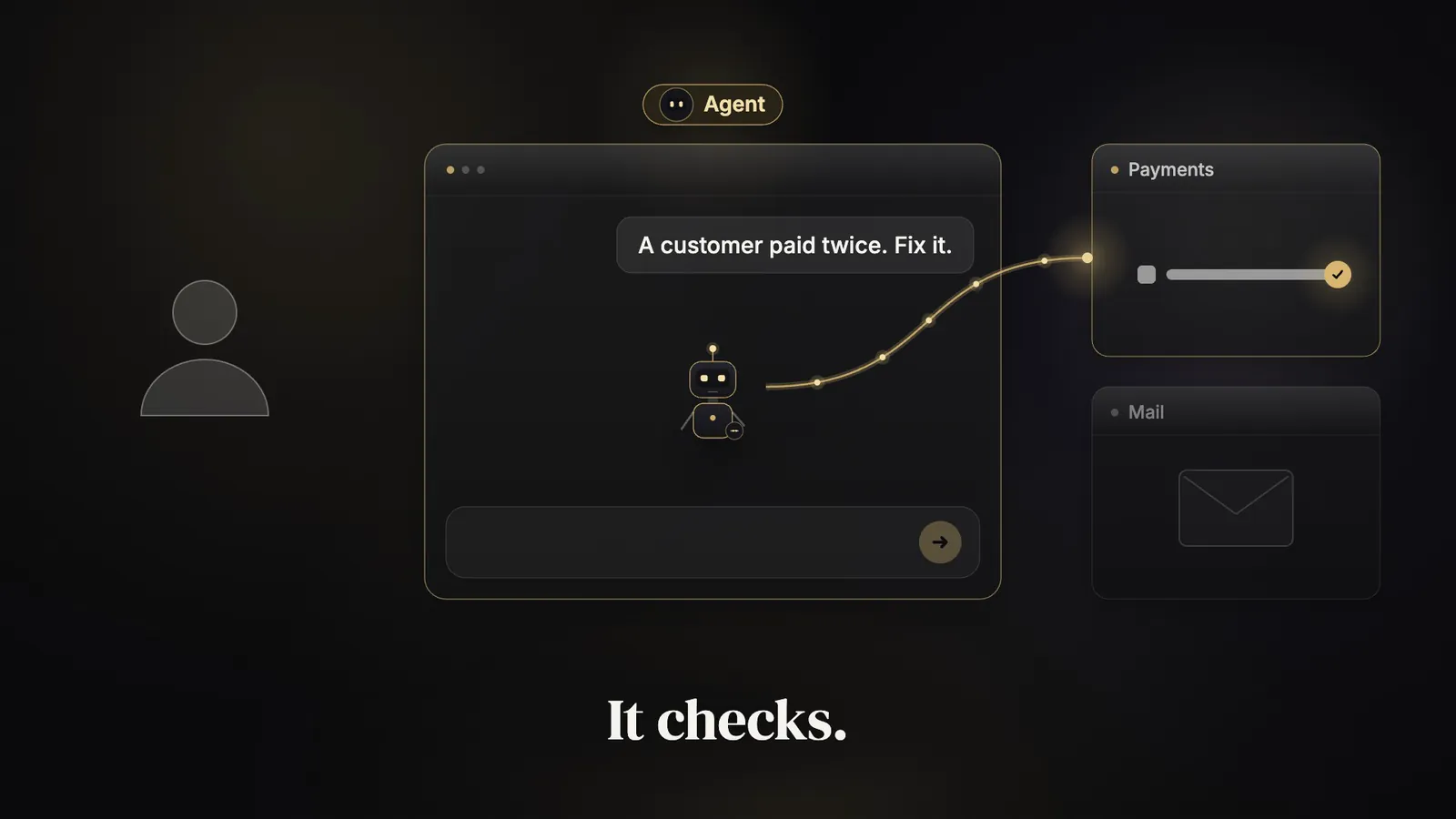
  22. An AI agent at work. A person on the left, an agent window in the middle with the typed line: a customer paid twice, fix it. A gold line runs from the agent into a Payments window, where one payment row has a gold tick. The label reads: It checks.

    · 1 min 12 s video

    What is an AI agent?

    A short silent video. The same job goes to a chat and to an AI agent. The chat gives advice. The agent looks, acts, checks and finishes. You OK the money.
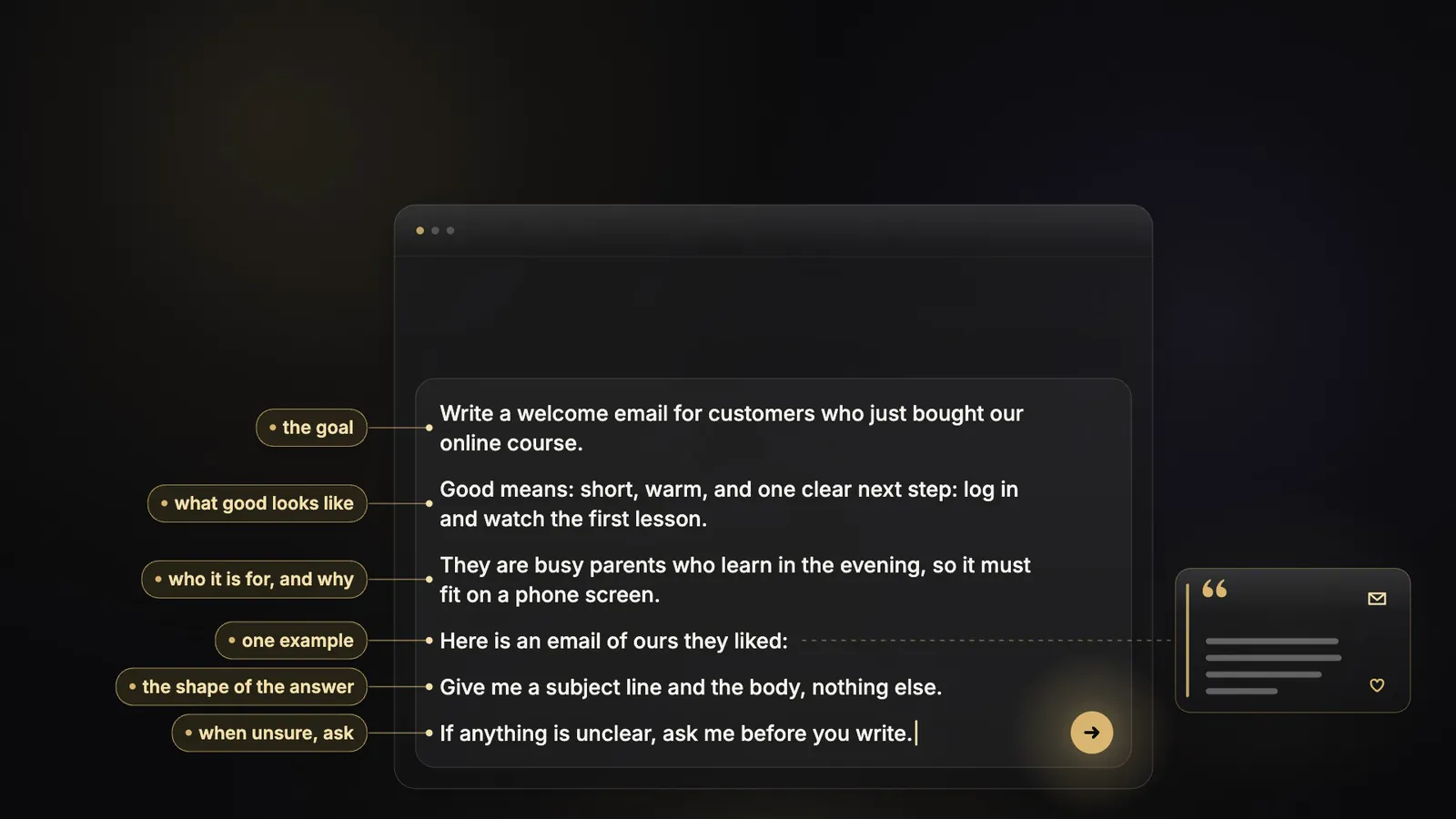
  23. A chat window with a six-line brief for an AI. Gold labels beside the lines read: the goal, what good looks like, who it is for and why, one example, the shape of the answer, when unsure ask.

    · 1 min 24 s video

    How do you write an AI prompt that gets a good answer?

    A short silent video. Why magic words do nothing, how to brief an AI like a colleague who started this morning, and when to start a fresh chat.